Designer-speak decoded: What’s a Vector file, and why you need one!
When you’re investing in your branding, there’s one little detail that can make a big difference: the file type your logo is saved in.
If you’ve ever tried to print your logo and found it blurry, pixelated, or just not quite right, chances are you’ve been working with the wrong file type. So, let’s clear this one up.
What is a Vector file?
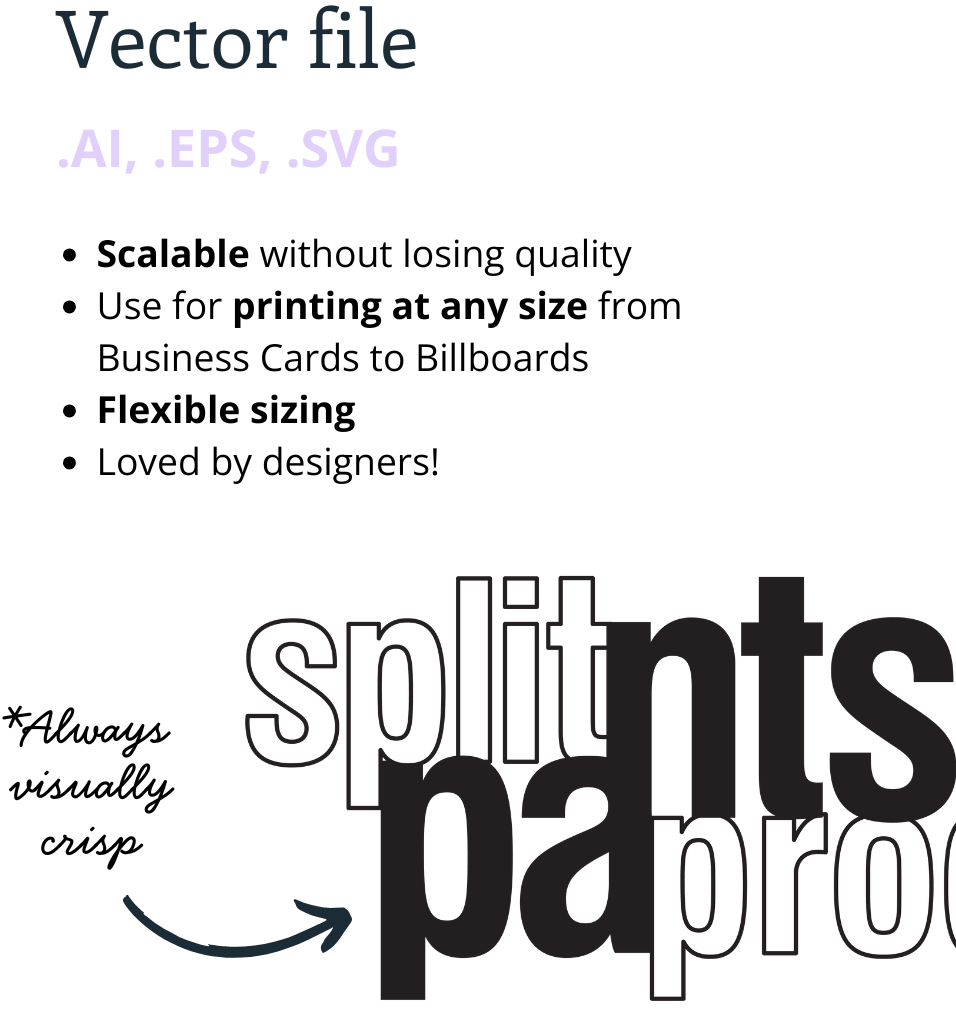
A vector file is a type of graphic file that uses mathematical formulas to define shapes, lines, and colours. Unlike raster images (like JPEGs or PNGs), vector files don’t rely on pixels. Therefore, they can scale up or down without losing quality.
In plain English? You can use a vector file to print your logo on a business card or a billboard, and it will stay perfectly sharp every time.
Common Vector file types
AI (Adobe Illustrator)
EPS (Encapsulated PostScript)
SVG (Scalable Vector Graphics)
These file types are ideal for:
Printing your logo on signage, uniforms, or merchandise
Sending to a designer or printer
Editing elements of your logo or brand graphics
SVG files can also be used on your website for crisp clear graphics
Why your logo needs to be in Vector format
If you only have a JPEG version of your logo, you’re missing out on flexibility. JPEGs and PNGs are raster files – great for web use, but not so great for printing or resizing. In fact, when enlarged, they lose clarity and appear pixelated.
That’s exactly why I always supply vector files with every Splitpants logo package. It gives you the flexibility and quality you need to use your logo anywhere and everywhere with confidence.
Can't find your Vector file?
It happens more often than you’d think!
If you’re unsure whether you have the right file, or if your logo is trapped in a blurry JPEG, I can help you find (or recreate) a clean, scalable version.
Final tip: When working with a designer or printer, ask for a Vector file. It’s your brand’s best friend.